
Students move between cities, networks and devices, often on a tight budget. The video above shows one student's experience with Globfone. Below are the situations where browser tools help most.
Everyday scenarios
- Calling family abroad. A short call from the WebPhone costs only free Credits, and the person you call pays nothing.
- Texting from a laptop. Send a quick SMS between lectures when your phone is out of battery.
- Group projects. Open a video chat room for a study session and share your screen to review slides.
- Exchanging files. Send a large presentation directly with file sharing, without email limits.
Tips to make it work
- Verify your account early so SMS and calls are ready when you need them.
- Use headphones in shared spaces to avoid echo and keep conversations private.
- Request a Mini-Boost when your free Credits balance runs low rather than waiting for a deadline.
- For exams and group deadlines agree a video room link in advance.
When a student should consider Premium
If you call home every week, prepaid Premium may be more predictable than free Credits, with no ads and the exact rate shown before you dial. Compare options in cheap international calling.
Budget tips for students
- Use free messaging and P2P chat for friends and family who have a smartphone.
- Keep browser calling for landlines, offices and people without an app.
- Check the price per minute before long calls; short, planned calls are the cheapest.
- Use campus Wi-Fi for video, and mobile data for audio only.
Privacy on shared computers
If you use a library or lab computer, sign out when you finish, close the browser tab and do not save passwords in the browser.
 Globfone Services at a Glance: Calls, SMS, Video Chat and File Sharing
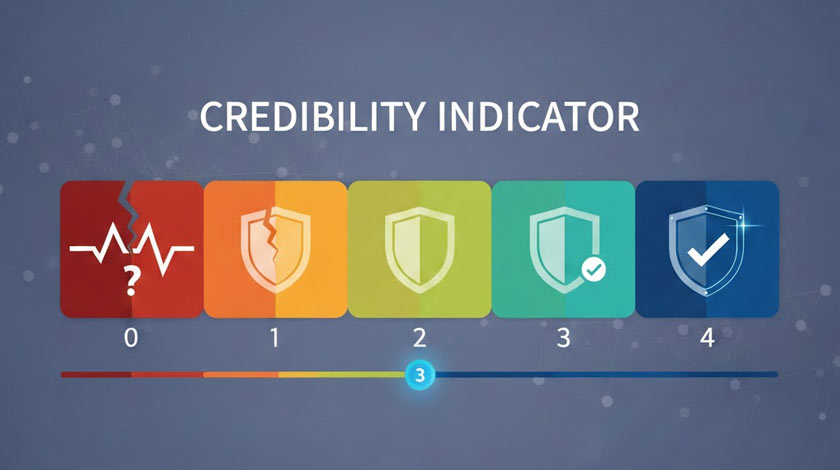 Globfone Credibility System: The Complete User Guide
 The Story of Globfone: From Version 1.0 to Today