
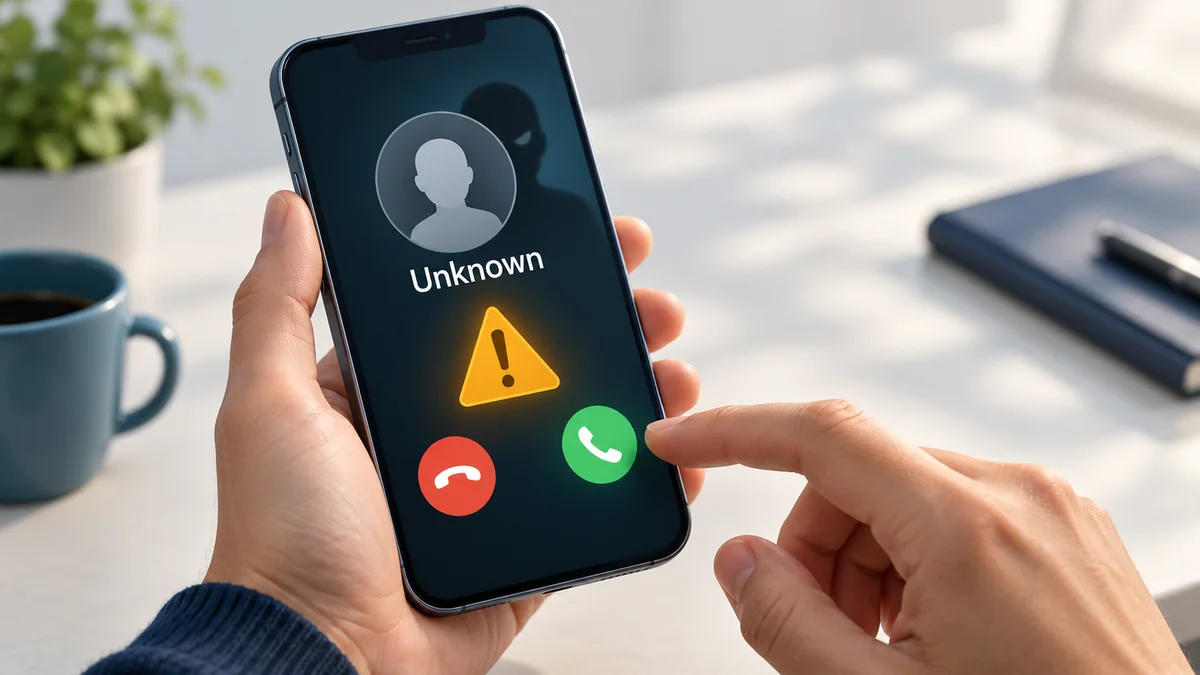
When your phone rings, the number or name on the screen feels like proof of who is calling. It is not. Caller ID is only information that the calling side supplies, and it can be changed. Scammers use this to look like banks, delivery companies and even your own contacts. This guide explains how spoofing works, the common scams and a simple routine that keeps you safe.
What caller ID spoofing is
Caller ID (also called CLI) is a number that travels with a call so that your phone can display it. Businesses legitimately set it, for example when a company shows its main number on every outgoing call. The same flexibility lets criminals display a number of their choice. Spoofing is the practice of showing a number that is not the real origin of the call.
Not all spoofing is illegal. A doctor's office that shows its main line, or a company that shows a support number, is using the feature properly. It becomes fraud when it is used to deceive.
Common scams to expect
- Bank or card "security" calls. A caller says your account is at risk and asks you to move money, read out a code or install an app. Real banks do not ask for a one-time code or tell you to transfer money to a "safe account".
- One-ring calls (wangiri). Your phone rings once and stops. If you call back an unfamiliar international number, you may be charged high per-minute rates.
- Delivery and parcel texts (smishing). A message says a parcel is waiting and asks you to click a link and pay a small fee. The link leads to a form that steals card details.
- Tech support calls. A caller claims your computer has a virus and asks for remote access.
- Family emergency messages. A text from an unknown number says "Hi Mum, this is my new number" and asks for urgent money.
- Prize or tax refund calls. You are told you have won something or are owed money, if you pay a fee or give card details.
Warning signs
| Sign | Why it matters |
|---|---|
| Urgency | "Act now" stops you from thinking and checking |
| Requests for codes or PINs | No legitimate service needs them over the phone |
| Unusual payment methods | Gift cards, crypto or transfers to new accounts are typical of fraud |
| Pressure to stay on the line | Scammers do not want you to call back and check |
| A familiar number, odd behaviour | The number can be spoofed even if it looks right |
A simple routine that works
- Stop. Do not act on a call or text that creates pressure.
- Hang up. You are allowed to end any call at any moment.
- Verify. Look up the real number of the company on its official website or on a card, and call it yourself. Do not use a number the caller or the message gave you.
- Never share passwords, PINs, card numbers or one-time codes, whoever asks.
- Do not click links in unexpected messages; type the address yourself or open the company's app.
- Do not call back unknown international numbers that rang once.
What providers are doing about it
Networks are adding caller verification. In the United States and Canada, a framework known as STIR/SHAKEN lets carriers attest that a number was authorised for the call, and phones can show a verified indication. Other countries use their own filtering and blocking rules. These measures cut down on spoofing but do not remove it, which is why the routine above still matters.
Report it
- Tell your mobile or phone provider. Many carriers accept forwarded scam texts to the short number 7726 (SPAM).
- Report fraud to your national consumer protection or telecoms authority, and to the police if you lost money.
- If you shared card or banking details, contact your bank immediately through its official number.
- Block the number on your phone and delete the message.
How Globfone approaches this
Globfone uses a credibility system with verification levels, so that free services are not used anonymously for abuse. Your own calls can show a verified caller ID that you register in your account, instead of an arbitrary number. If you receive unwanted texts, the FAQ explains how to block them. Calling a number back from a browser works like any call, so the same caution applies: only call numbers you verified yourself.
To understand how calls reach a normal phone number in the first place, read VoIP explained and how to dial internationally. You can make a call from your browser with Globfone Free.
 How to Dial Internationally: Country Codes, E.164 and Common Mistakes
 How International Call Rates Work: Why Prices Differ by Country and Route
 Cheap International Calls: Phone Cards, Roaming and Internet Calling
 Lost Phone? Every Way to Find It on Android and iPhone