
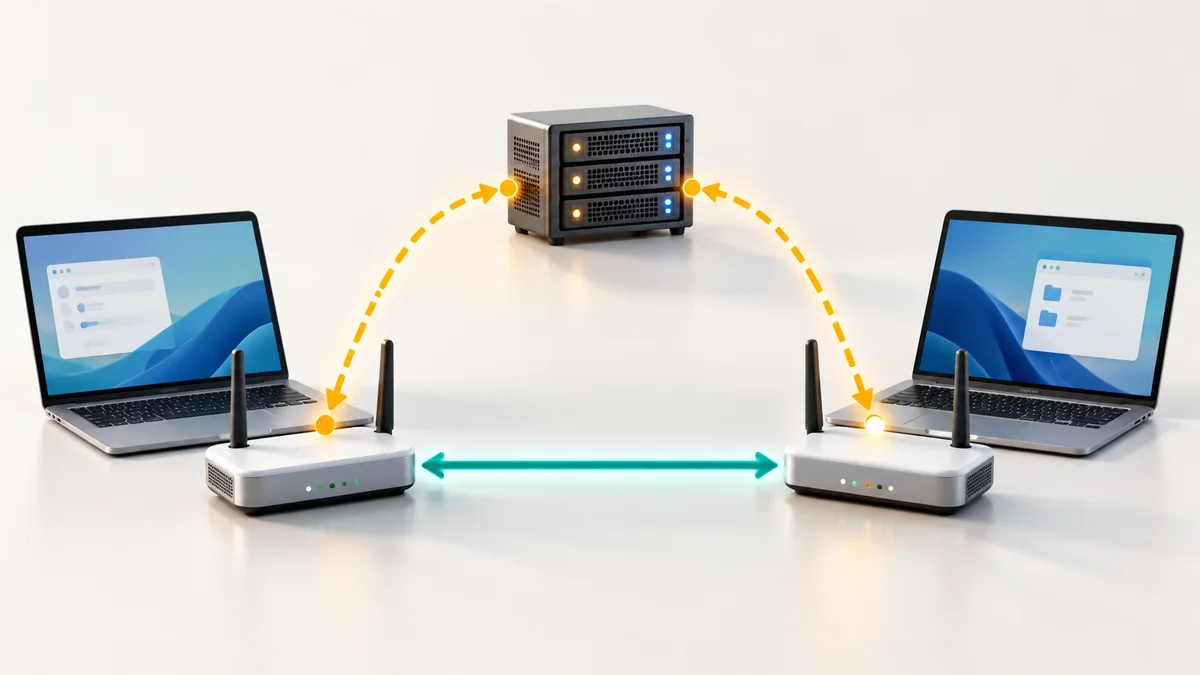
Two people click a link and a few seconds later they see and hear each other. Behind that simple moment, their browsers had to solve a difficult puzzle: how do you reach a computer that sits behind a home router and has no public address? Three acronyms describe the solution: STUN, TURN and ICE. This guide explains them in plain English, and tells you what to do when a call refuses to connect.
The problem: routers hide your device
Your laptop has a private address that only makes sense inside your home network. The router shares one public address between all your devices and translates traffic as it goes in and out. This is called network address translation (NAT). It is why many devices can share one internet connection, and also why a stranger on the internet cannot simply open a connection to your laptop.
For a direct (peer-to-peer) call both sides are behind such a router. Each browser needs to find out how it looks from the outside and then both need to punch a path through their routers at the same moment.
STUN: "How do I look from the internet?"
A STUN server is a very small helper on the public internet. Your browser sends it a short request, and the server answers: "I see you at this public address and port." That is all it does. It does not carry your call and it never sees your video or voice. With that information your browser can tell the other side where to reach it.
ICE: trying every route and choosing the best
ICE is the procedure that ties everything together. Each browser makes a list of possible routes, called candidates:
- Local candidates: the device's own address, which works when both people are on the same network.
- STUN candidates: the public address learned from a STUN server, which works through most home routers.
- Relay candidates: an address on a TURN server, which works almost everywhere but is a detour.
The two browsers swap their lists, test the combinations and pick the best working path, preferring a direct one. This all happens in a second or two while you see "connecting".
TURN: the relay when a direct path is impossible
Some networks cannot be crossed directly. Certain routers (often described as symmetric NAT), strict corporate firewalls and networks that block the kind of traffic calls use will stop a direct connection. In that case the call goes through a TURN server, which acts like a relay station: it receives packets from one side and forwards them to the other.
A relayed call takes a slightly longer route, so it can add a little delay. It is still a normal call to the people on it, and the connection is still encrypted.
Is a relayed call still private?
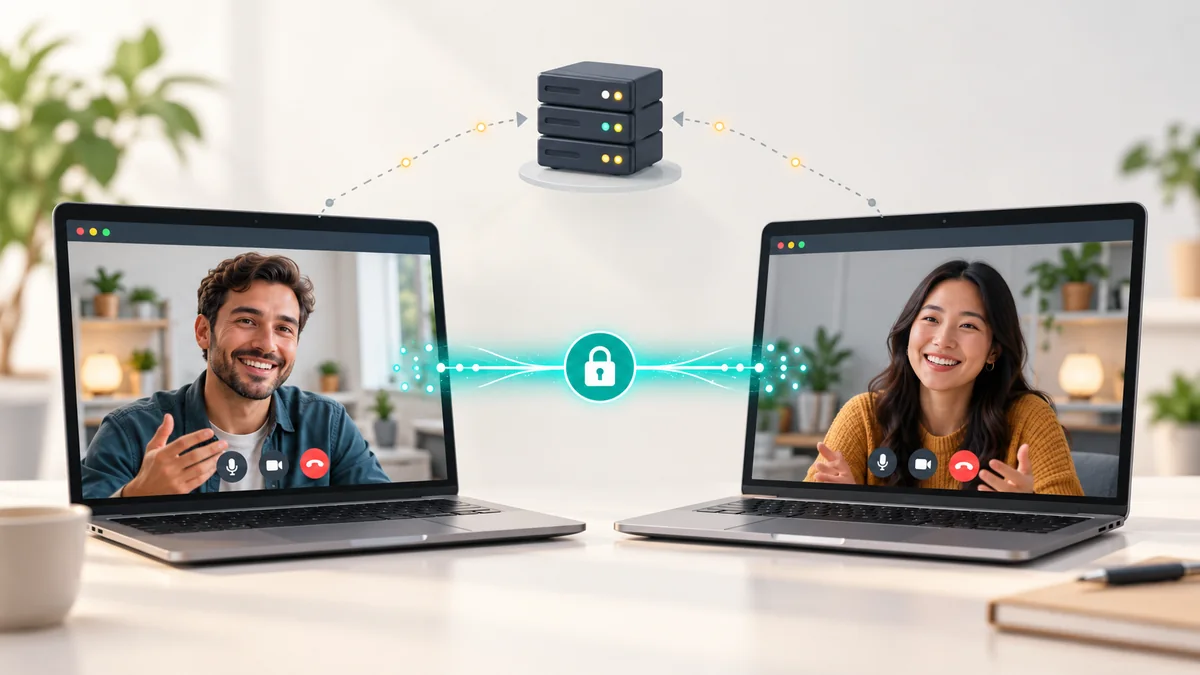
Yes. The audio, video and data are encrypted with keys that only the two browsers have agreed, so the relay forwards packets it cannot read. A properly operated relay passes the traffic along in real time and does not keep it. The difference you may notice is not privacy but cost: relaying uses a lot of bandwidth, so providers use it as a fallback rather than the default.
Direct or relayed: what you can expect
| Direct (STUN) | Relayed (TURN) | |
|---|---|---|
| Path | Browser to browser | Browser to relay to browser |
| Delay | Lowest | Slightly higher |
| Encrypted | Yes | Yes |
| Works on strict networks | Not always | Almost always |
| Typical use | Home and mobile networks | Offices, schools, hotels, some mobile carriers |
- Path
- Direct (STUN)
- Browser to browser
- Relayed (TURN)
- Browser to relay to browser
- Delay
- Direct (STUN)
- Lowest
- Relayed (TURN)
- Slightly higher
- Encrypted
- Direct (STUN)
- Yes
- Relayed (TURN)
- Yes
- Works on strict networks
- Direct (STUN)
- Not always
- Relayed (TURN)
- Almost always
- Typical use
- Direct (STUN)
- Home and mobile networks
- Relayed (TURN)
- Offices, schools, hotels, some mobile carriers
Globfone tries a direct path first and falls back to a relay automatically. In file sharing, the screen shows whether the current route is direct or relayed.
If your call will not connect
- Check permissions. The browser must be allowed to use the camera and microphone. Look for a blocked-camera icon in the address bar.
- Switch networks. Move from office Wi-Fi to mobile data, or the other way round. Many "will not connect" problems are a strict network.
- Turn off a VPN. A VPN can interfere with direct routes. Try the call without it, then with it.
- Update the browser. Use a current version of Chrome, Edge, Firefox or Safari.
- Close other heavy traffic. Large downloads on the same connection can starve a call.
- Retry with a new room. Create a fresh room and share the new link, so that both sides start a clean connection attempt.
For the curious: see the route yourself
Chromium-based browsers include a page called webrtc-internals that lists the candidates that were tried and the pair that won. A pair whose type is "relay" means the call went through a TURN server. It is a handy way to see the idea from this article working on your own call.
Try it
Start a room in Globfone P2P chat and see how fast two browsers connect. To learn what happens to your data meanwhile, read how P2P video chat works without storing your call, or go back to the basics with our beginner's guide to peer-to-peer calls and VoIP explained.
 How Peer-to-Peer Video Chat Works Without Storing Your Call on a Server
 Peer-to-Peer Video Calls Explained: How They Work and When to Use Them
 Peer-to-Peer File Sharing in the Browser: Fast, Private and Legal
 WebRTC: The Technology That Put Calling Inside the Browser