

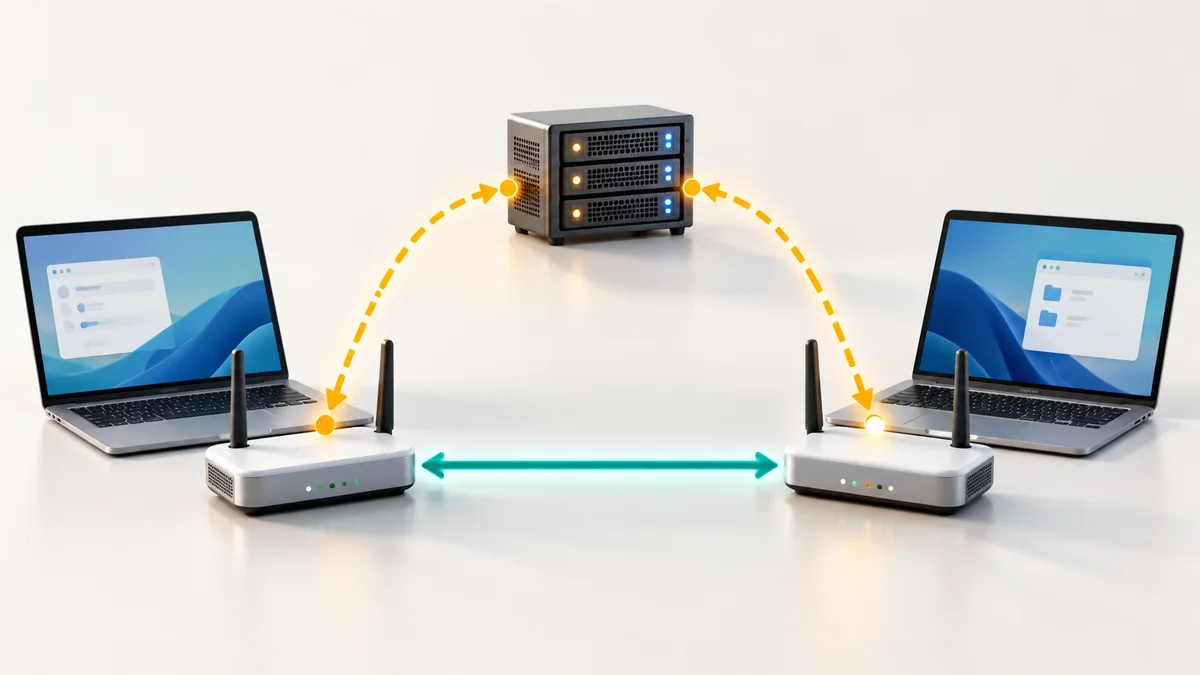
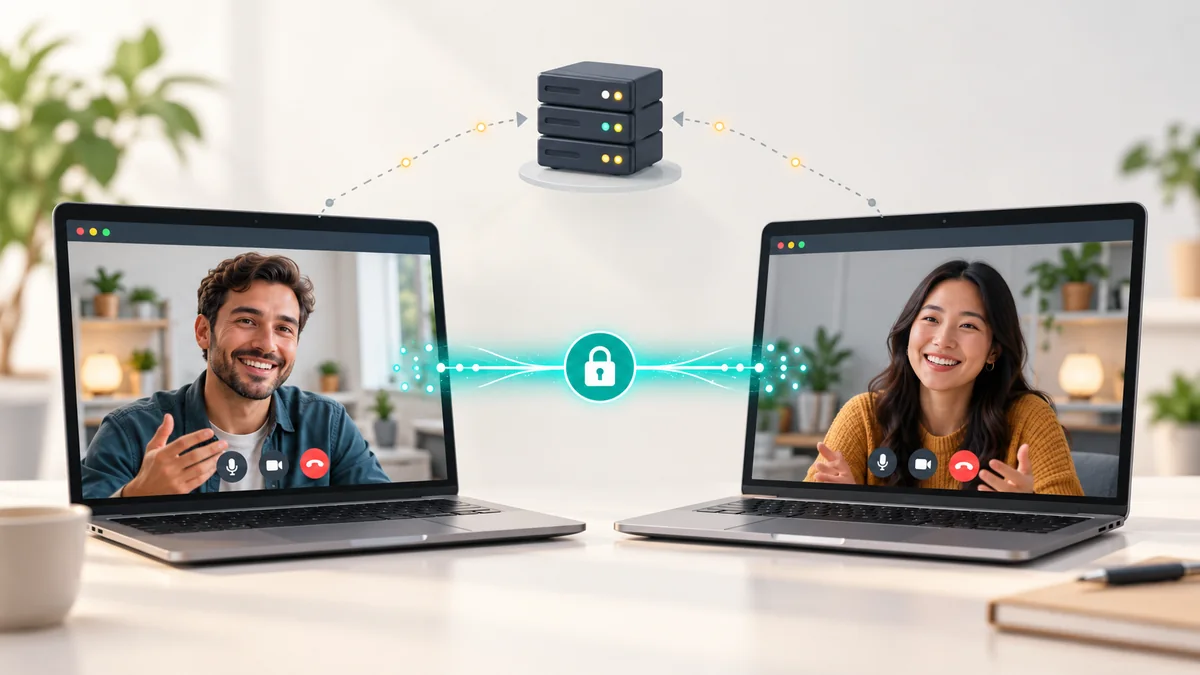
In a traditional video meeting every participant sends their video to a central server, which forwards it to everyone else. In a peer-to-peer (P2P) call, participants send media directly to one another. The server's role shrinks to introducing the browsers to each other. That small difference has large consequences for delay, privacy, cost and the size of the group you can host. This guide explains what happens behind the scenes, in plain language, and helps you choose the right type of call.
The ingredients
- WebRTC is the browser technology for real-time audio, video and data. See our WebRTC overview.
- Signalling is how two browsers exchange the information needed to connect: what formats they support and how to reach each other. This still uses a server, normally over WebSockets or HTTPS.
- STUN servers tell each browser how it appears on the internet, which helps it connect through a home router.
- TURN servers relay the traffic when a direct path is impossible, for example behind some corporate firewalls. Relayed media is still encrypted.
What happens when you join
- You open a room link and your browser contacts the signalling server.
- The browsers exchange connection offers and possible network paths (ICE candidates).
- They test the paths and choose the best one: direct if possible, relayed if not.
- Audio and video flow over an encrypted connection (DTLS-SRTP), typically using UDP for low delay.
Three ways to build a video call
| Model | How it works | Best for |
|---|---|---|
| Mesh (pure P2P) | Every participant sends their video to every other participant | One-to-one calls and small groups, as in Globfone P2P chat |
| SFU (forwarding server) | Everyone sends one stream to a server that forwards it to the others | Meetings of ten to a few hundred people |
| MCU (mixing server) | A server combines all streams into one picture | Legacy conference systems and recording |
- Model: Mesh (pure P2P)
- How it works
- Every participant sends their video to every other participant
- Best for
- One-to-one calls and small groups, as in Globfone P2P chat
- Model: SFU (forwarding server)
- How it works
- Everyone sends one stream to a server that forwards it to the others
- Best for
- Meetings of ten to a few hundred people
- Model: MCU (mixing server)
- How it works
- A server combines all streams into one picture
- Best for
- Legacy conference systems and recording
Advantages
- Low latency. Fewer hops mean less delay, so conversation feels natural.
- Privacy. The media stream does not pass through, or get stored on, a central meeting server when a direct path exists.
- Lower running costs. The provider does not need to process every video stream, which helps keep free services free.
Limitations
- Group size. Each participant sends their video to every other participant, so P2P works best for small groups. In a four-person call each person uploads three streams.
- Network conditions. Without a relay some networks cannot connect. A good service falls back to TURN automatically.
- No recording server. Recording and advanced moderation are easier on server-based platforms.
- Battery and data on phones. Video uses a lot of data and battery. Switch to audio only on a weak connection.
Glossary
- ICE
- The process that finds a working network path between two browsers.
- Codec
- A method to compress audio or video so that it fits through the connection.
- NAT
- The router feature that gives several devices in a home one public address. It is what makes direct connections hard, and what STUN helps with.
When to choose P2P
Pick it for one-to-one calls and small groups where privacy and simplicity matter. Globfone P2P chat uses direct connections with relay fallback, and adds text chat and screen sharing. If you need to compare it with other tools, see the browser video chat comparison, or follow the step-by-step guide. To move a file during the call, open a P2P file-sharing space with the same people.
Real-life examples
- Two friends catch up. A direct connection gives the best quality and no one else is involved.
- A tutor and a student. The tutor shares the screen and talks; delay is low, so the conversation feels natural.
- A family call with four people. Each person sends three streams, so a strong Wi-Fi connection helps.
How much data does a call use?
An audio-only call uses a few megabytes per hour. A standard-definition video call typically uses several hundred megabytes per hour for each stream, and high-definition video uses more. In a four-person mesh call each person uploads three video streams and downloads three, so the data use multiplies. On mobile data, prefer audio or reduce the video quality.
Frequently asked questions
Is a P2P call encrypted?
Yes. WebRTC encrypts audio, video and data by default, even when the traffic goes through a relay.
Why does my call sometimes use a relay?
Some networks block direct connections. In that case a TURN server forwards the encrypted traffic, which adds a little delay but keeps the call working.
Can I record a P2P call?
Because there is no server in the middle, recording is done on your own device, for example with a screen recorder, and you should always tell the other people that you are recording.
 How to Start a Video Call on Globfone: A Step-by-Step Guide
 STUN, TURN and ICE in Plain English: Why Some Calls Connect Directly
 How Peer-to-Peer Video Chat Works Without Storing Your Call on a Server
 Introducing Globfone Video Chat: Private Rooms in Your Browser