

WebRTC (Web Real-Time Communication) is a set of open standards and browser features that lets web pages capture audio and video and exchange them with other people in real time. Before it existed, browser calling usually depended on plug-ins like Flash or Java. Those are gone, and WebRTC is what replaced them. It is the technology behind video chat, browser phones and direct file transfer, and you use it every time you join a call in a browser tab.
A short history
Google released the WebRTC project as open source in 2011. The browser interfaces were standardised by the W3C and the network protocols by the IETF, and WebRTC became an official W3C Recommendation in 2021. Today Chrome, Edge, Firefox, Safari and the mobile browsers support it.
What it provides
- Media capture. Access to microphone, camera and screen with your permission, through the
getUserMediaand screen-capture interfaces. - Peer connections. Encrypted audio and video streams between browsers.
- Data channels. Low-latency transfer of arbitrary data, such as chat messages and files.
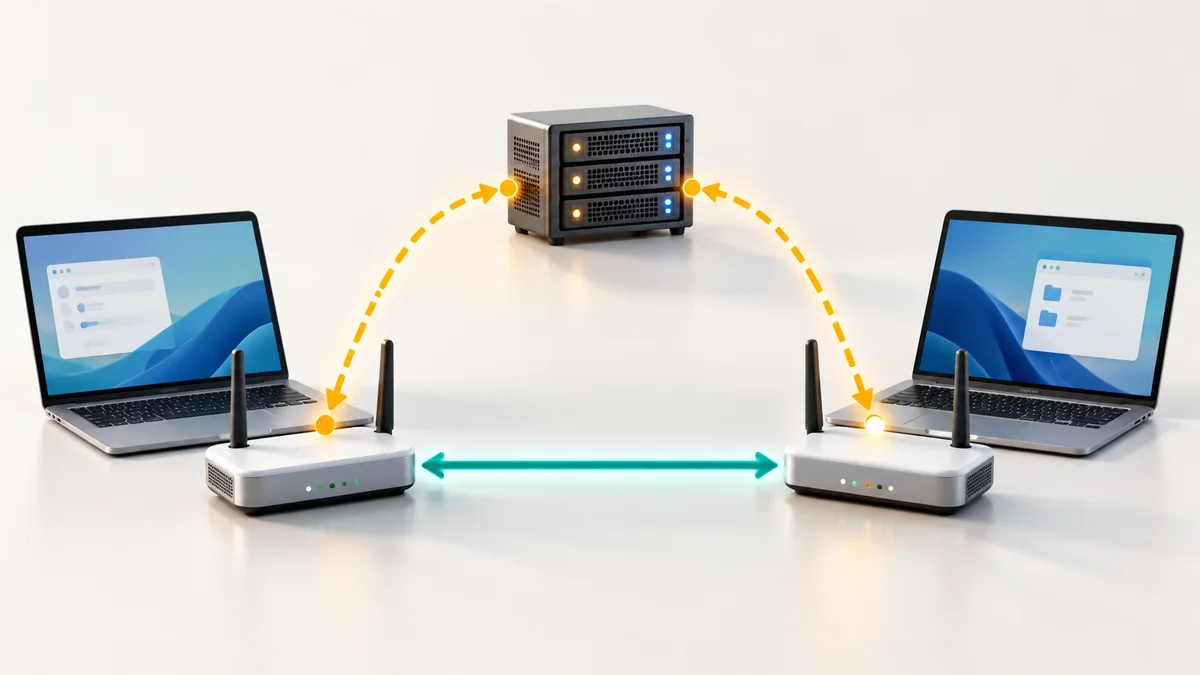
- Network traversal. Techniques to connect through routers and firewalls (ICE, STUN, TURN).
How a connection is made
- A page asks the browser for the camera and microphone, and you grant permission.
- The two browsers exchange descriptions of what they can send and receive, through a signalling server that the website provides.
- They exchange possible network addresses and test them until one works.
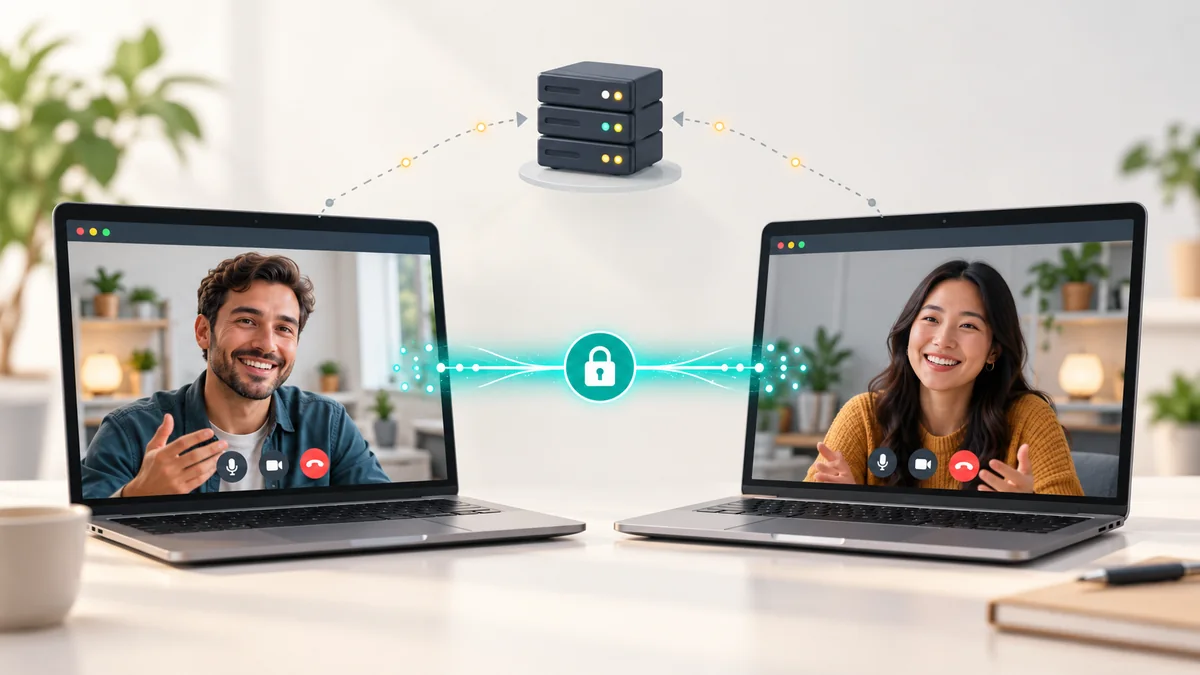
- Media and data then flow directly over an encrypted connection; a relay is used only when no direct path exists.
For the connection process in detail read peer-to-peer video calls explained.
What it makes possible
- Browser video chat: start a conversation by clicking a link, as in Globfone P2P chat.
- Calls to real phone numbers: the browser handles audio and a provider bridges to the phone network, as in the Globfone WebPhone.
- Direct file transfer: data channels let browsers send files straight to each other, used by Globfone File Sharing.
- Customer support: a "talk to us" button on a website can start a call with no phone number.
- Live collaboration: screen sharing for remote help and presentations.
Codecs and quality
WebRTC uses modern codecs: Opus for audio, which handles both speech and music efficiently, and VP8, VP9, H.264 or AV1 for video depending on the browser. The browser adapts the quality to the available bandwidth during the call, which is why video becomes blurry before it stops completely.
Security and privacy
WebRTC encrypts media and data by default (DTLS-SRTP). Browsers also ask for permission before using the camera or microphone and show an indicator while they are active. As with any call, the other person sees and hears what you share, so check your background and which window you share. For private conversations, direct connections also mean that no meeting server stores your video.
Limits
- Pure peer-to-peer connections work best for small groups; large meetings need a server that forwards streams.
- Some strict firewalls block direct paths, so a relay (TURN) is needed.
- Browser versions differ slightly, so services test on the main browsers.
Learn more
For how it relates to phone calls see VoIP explained, and for a comparison of tools read browser video chat compared.
 STUN, TURN and ICE in Plain English: Why Some Calls Connect Directly
 How Peer-to-Peer Video Chat Works Without Storing Your Call on a Server
 Introducing Globfone Video Chat: Private Rooms in Your Browser
 Globfone Video Chat Walkthrough: Watch How a Call Starts